
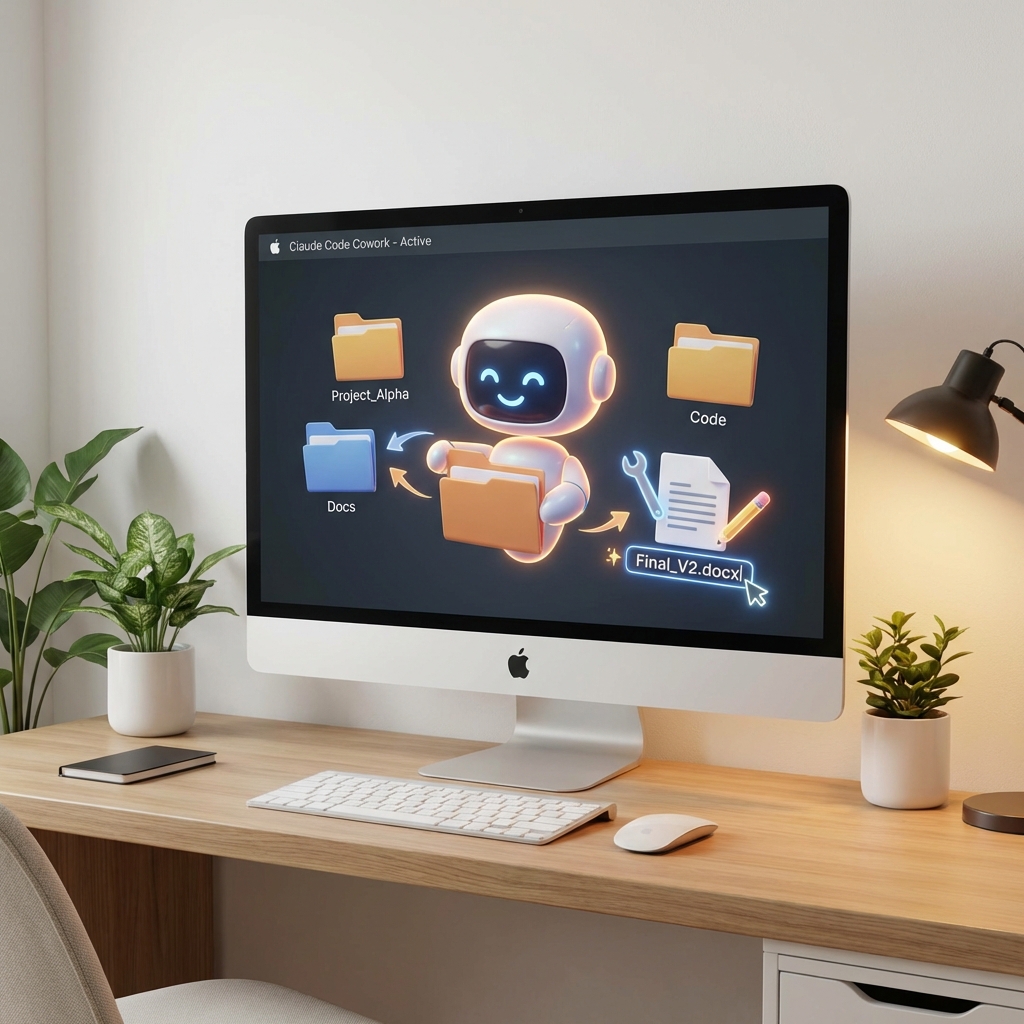

For the last year, “Agentic AI” has been a developer-only party. If you wanted an AI to edit your files, you needed to use a terminal, install Python libraries, or use an IDE like Cursor. Yesterday (Jan 12, 2026), Anthropic changed that. They released “Cowork“—a research preview available to Claude Max subscribers on macOS.
Unlike the standard Claude chat interface, Cowork is not trapped in a browser window. It has Local File System Access. You give it permission to a specific folder (e.g., ~/Downloads or ~/Work/Reports), and it can:
1. Read every file in that folder.
2. Create new spreadsheets, documents, and code files.
3. Edit existing files in place.
4. Organize messy directories autonomously.
It operates like a remote intern who has been given a laptop and a Dropbox folder.
How It Works: The “Sandbox” Approach
Security is the obvious nightmare here. Giving an AI “write access” to your computer sounds like the premise of a bad sci-fi movie.
Anthropic has mitigated this with a Strict Sandbox Model.
1. The “Cowork Folder”
Claude doesn’t see your whole hard drive. It only sees the folders you explicitly mount.
If you drag your Downloads folder into Cowork, it can clean up your downloaded PDFs. It cannot touch your System32 files or your crypto keys in ~/.ssh.
2. High-Level Planning (The “Manager” Mode)
When you give Cowork a task—like “Organize my tax documents from 2025”—it doesn’t just start moving files randomly.
It enters a Planning Phase.
It scans the file names and contents, proposes a plan (e.g., “I will create folders for ‘Receipts’, ‘W2s’, and ‘Invoices’, and move files based on keyword matching”), and asks for your approval.
3. Execution (The “Intern” Mode)
Once approved, it executes the operations in parallel. Because it runs locally (via the Mac app), it is incredibly fast. Moving 500 files takes seconds, not minutes.
Use Cases: “White Collar Automation”
The most interesting thing about Cowork is that it’s surprisingly boring.
It’s not designed to “Write a Novel” or “Solve Math Proofs.” It’s designed for Digital Janitorial Work.
The “Download Cleanup”
We all have that one folder. Downloads. It has 4,000 files named Untitled_Scan_42.pdf.
You can tell Cowork: “Read every PDF in Downloads. Rename it to ‘YYYY-MM-DD – Entity Name – Category.pdf’. Then archive it.”
Cowork will open the PDFs, OCR the contents using Claude 3.5 Sonnet’s vision, extract the date/vendor, and rename the file.
The “Spreadsheet Synthesizer”
You have 50 CSV files from different bank accounts.
Task: “Merge these into one master Excel sheet with columns for Date, Amount, and Category.”
Cowork writes a Python script (in the background) to merge the data, cleans the formatting, and saves the final .xlsx file.
The “Project Bootstrapper”
You are starting a new marketing campaign.
Task: “Create a folder structure for ‘Q1 Campaign’. Inside, create templates for ‘Social Posts’, ‘Email Blast’, and ‘Budget’.”
Cowork creates the directories and populates them with starter Word docs and Excel sheets.
The “Meta” Twist: AI Building AI
There is a fascinating rumor circulating (partially confirmed by Anthropic engineers) that Cowork was built by Claude Code.
Allegedly, the internal team used the “Claude Code” CLI tool to write the majority of the “Cowork” Mac app integration.
This is another example of Recursive Self-Improvement (RSI) in the software development lifecycle. The AI built the tool that allows the AI to act as a coworker.
Privacy vs Utility
The hesitation, of course, is trust. Do you trust Anthropic to read your tax documents?
According to the Terms of Service for Cowork:
- Local processing is prioritized where possible.
- Data sent to the cloud (for LLM inference) is Zero-Retention for Enterprise users.
- It is not used for model training.
However, for the average consumer, this requires a leap of faith. You are letting the model “touch” your files.
Conclusion
Cowork is the “Bridge” product. It bridges the gap between “Chatbots” (which talk) and “Agents” (which do). It brings the power of rm -rf and mkdir to people who don’t know what rm -rf means.
It turns your Operating System into a Canvas for the AI. Today, it organizes your folders. Tomorrow, it might use your mouse to fill out web forms. The Line between “User” and “Manager” just got a lot blurrier.
FAQ
Is it available on Windows?
Not yet. It is Mac-only for the research preview. Windows support is coming “later this year.”
Can it delete files?
Yes, but it moves them to “Trash” by default rather than permanently deleting them, so you can recover mistakes.
Does it work offline?
No. The orchestration logic happens in the cloud (Claude 4.5 Sonnet/Opus). You need an internet connection.